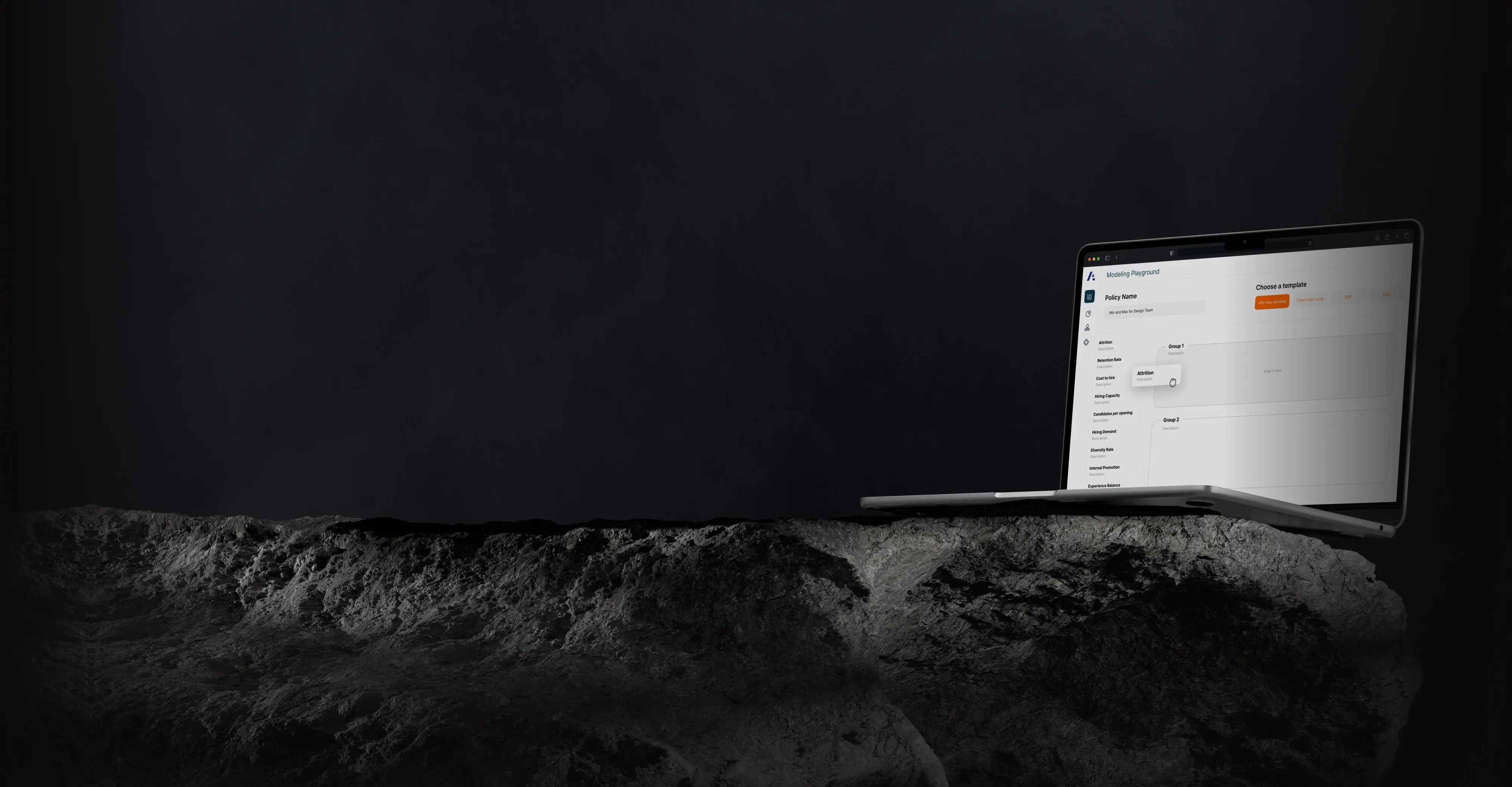
Universal Mechanics of Accumulating Things
Anaplan is a connected planning platform used by large enterprises to keep strategy and operations in sync. I joined the team to help rethink how people across departments collaborate, model complex logic, and make confident decisions without getting lost in the tools meant to help them.
My Role in the Planning Experience
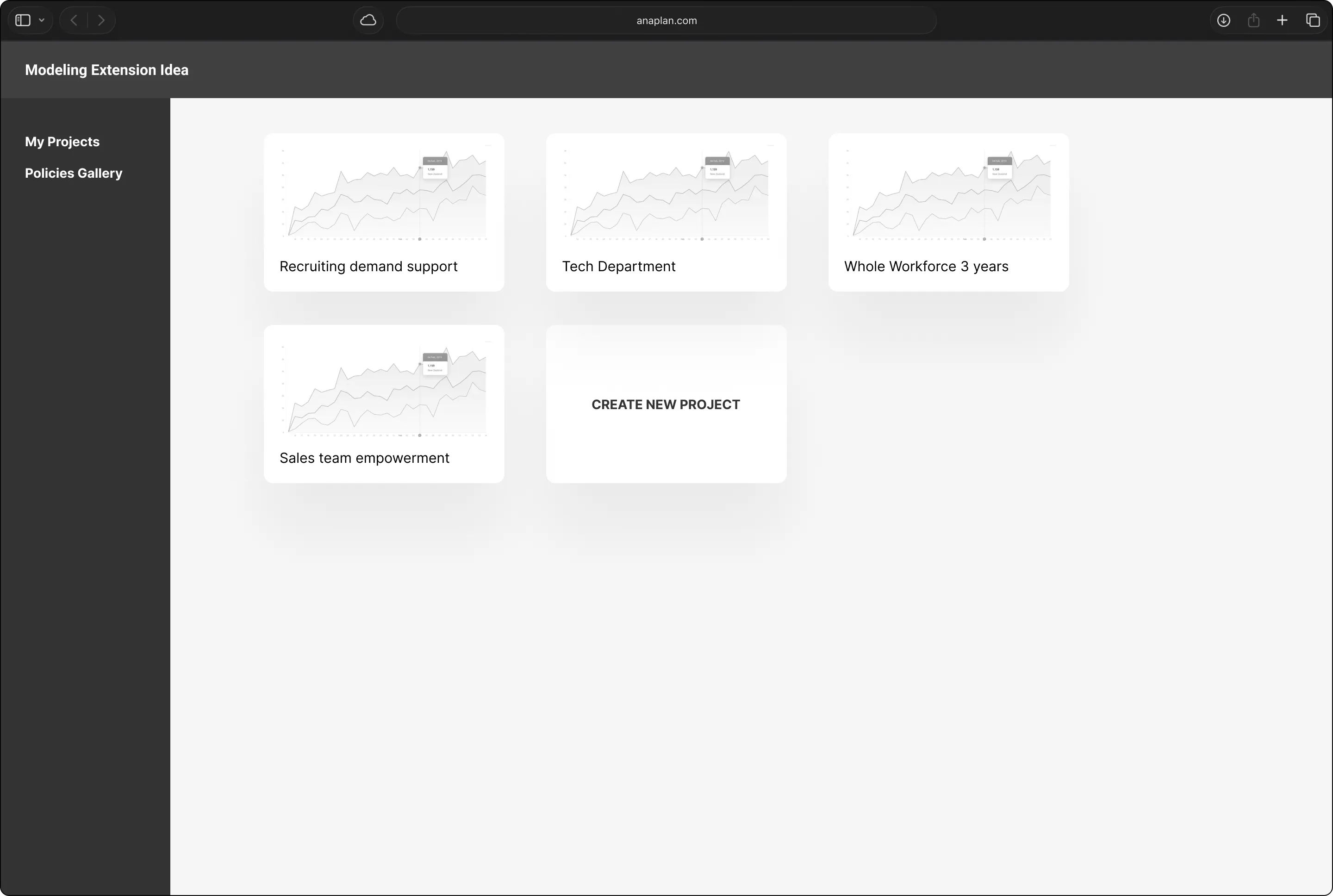
I worked as a Product Designer on the Planning team, embedded in a cross-functional crew of PMs, engineers, researchers, and analysts. My focus: redesigning the “Model Experience”, the place where planners build logic, test ideas, and turn messy business complexity into structured, sharable insights.
The Gap We
Aimed to Bridge
The legacy Model Experience was powerful, but power came at the cost of usability. Navigating models felt like decoding a puzzle. It was hard to understand structure, locate key data, or collaborate in real time. Onboarding new users (especially outside of finance or ops) was slow and daunting. The friction was real and it was slowing down adoption.
My Contribution
to Their Mission
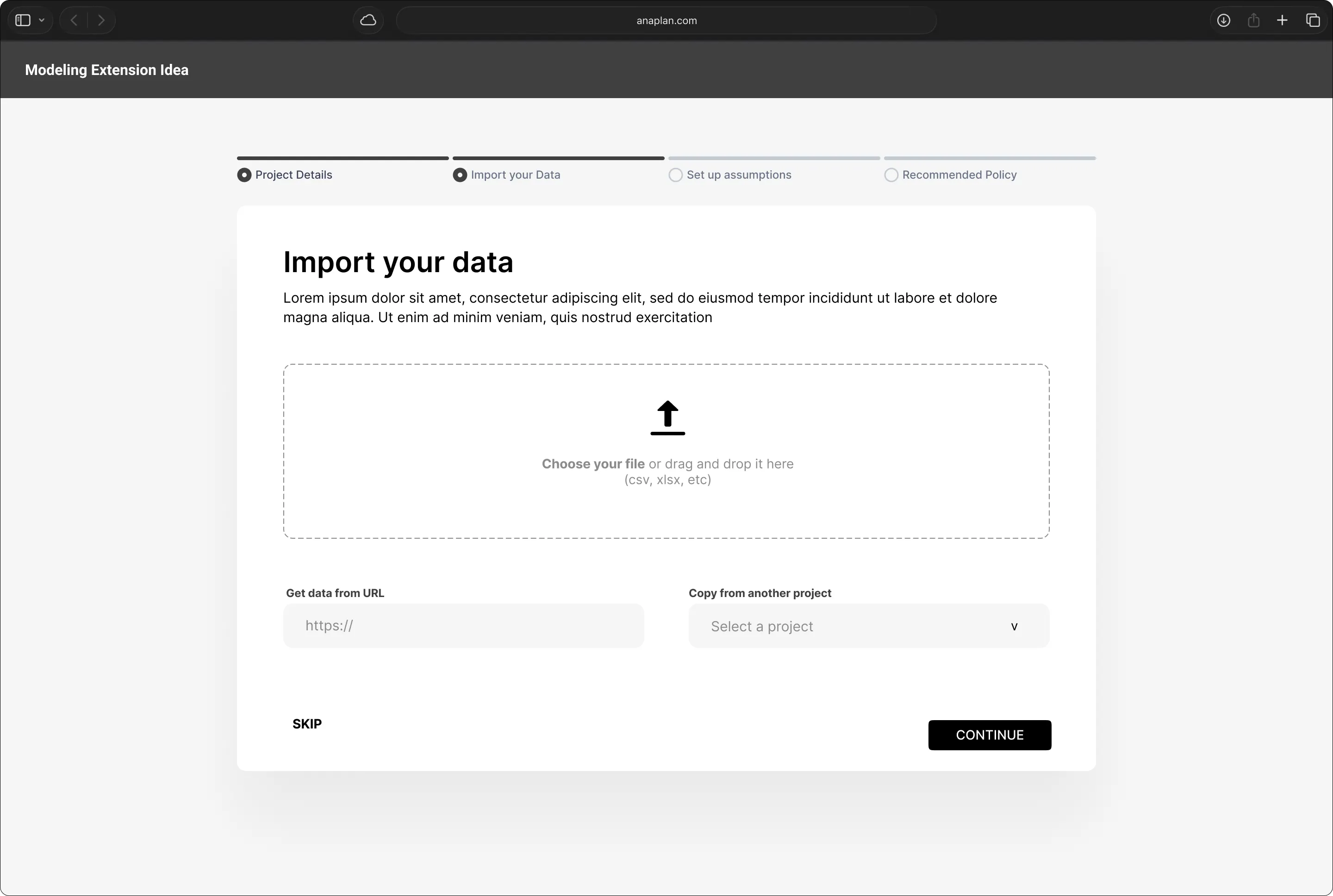
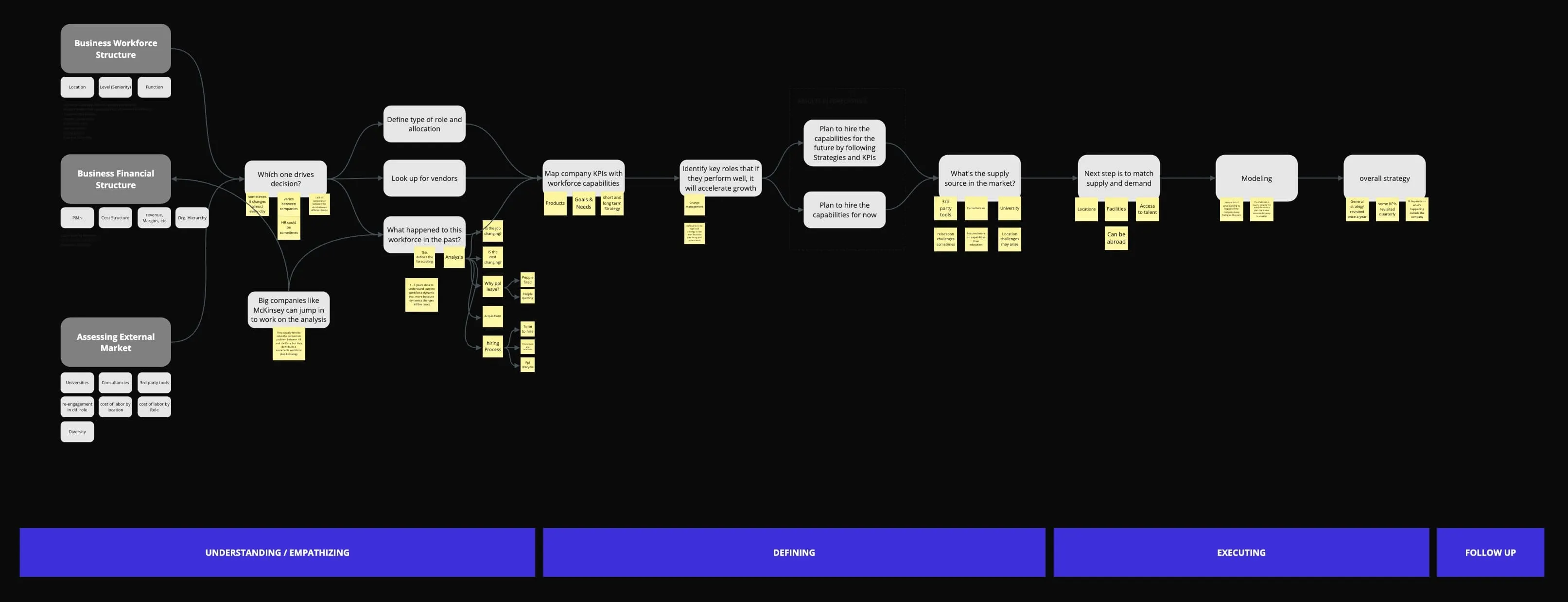
We kicked off with discovery sessions, talking to folks across finance, supply chain, and HR to hear how they worked, where they got stuck, and what “better” might look like. Those conversations shaped everything that came next.
Too Much Cognitive Load
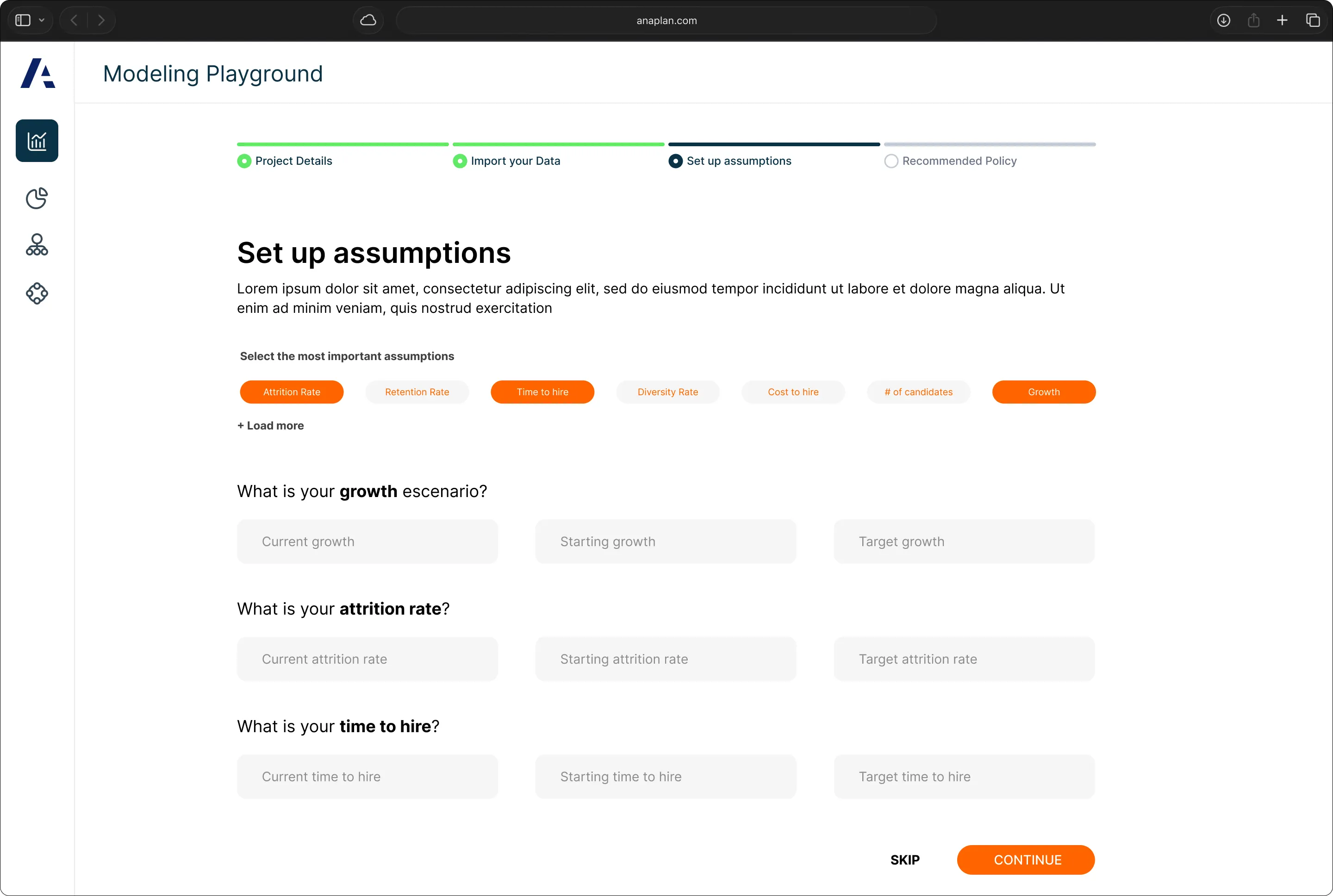
Users had to mentally handle complex relationships and logic structures. The interface wasn’t pulling its weight, leading to frustration, slowdowns, and preventable mistakes.
Lack of Real-Time Feedback
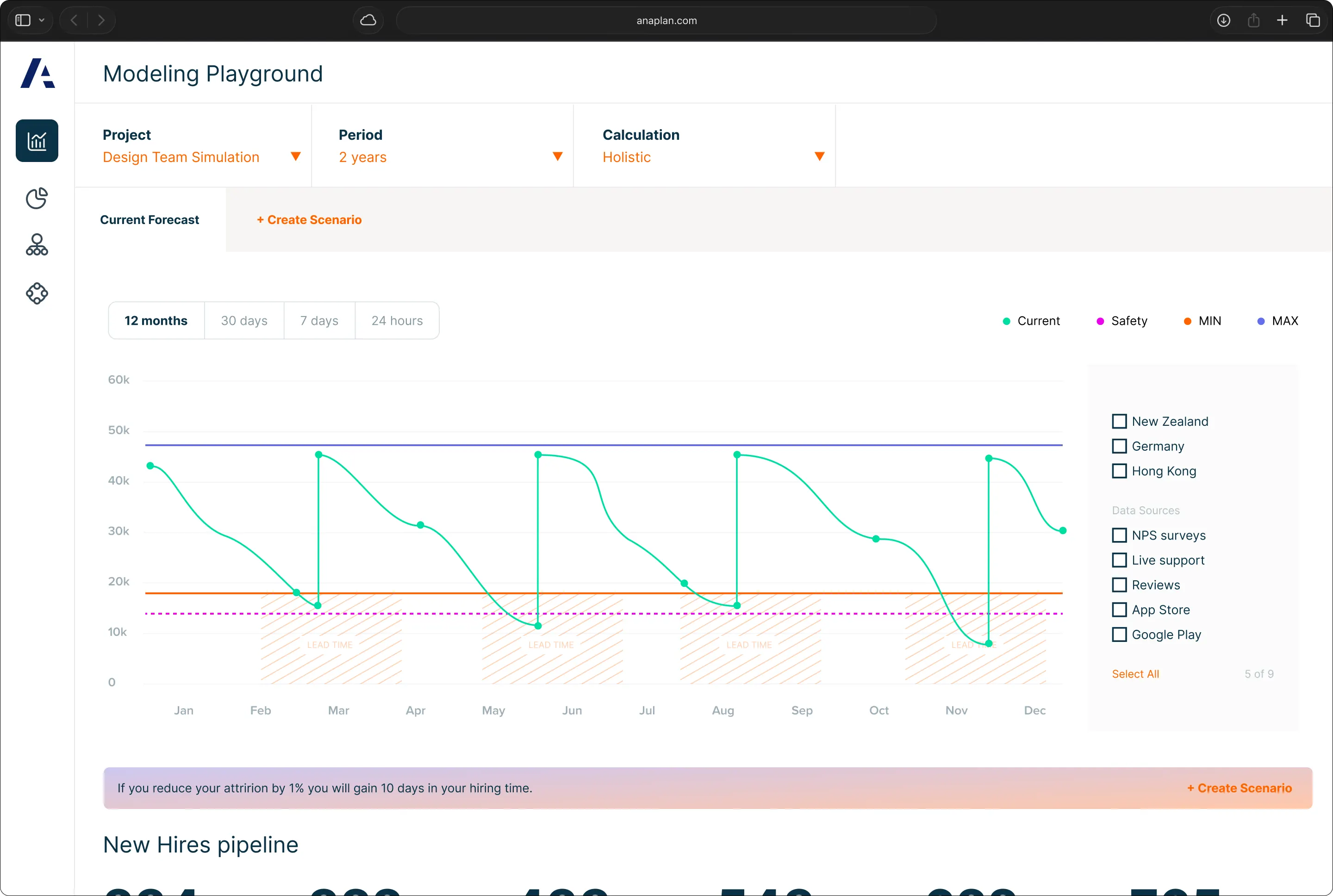
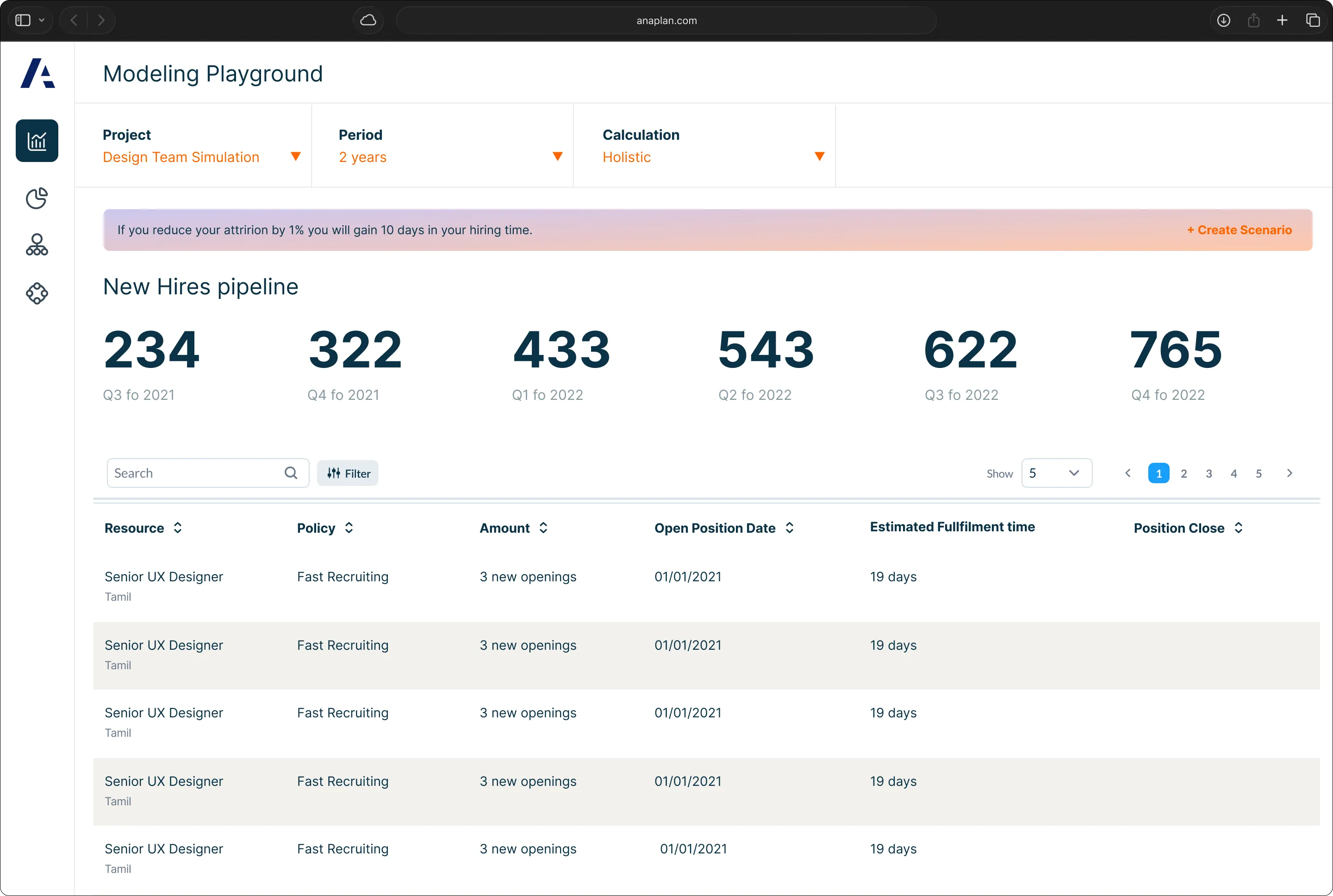
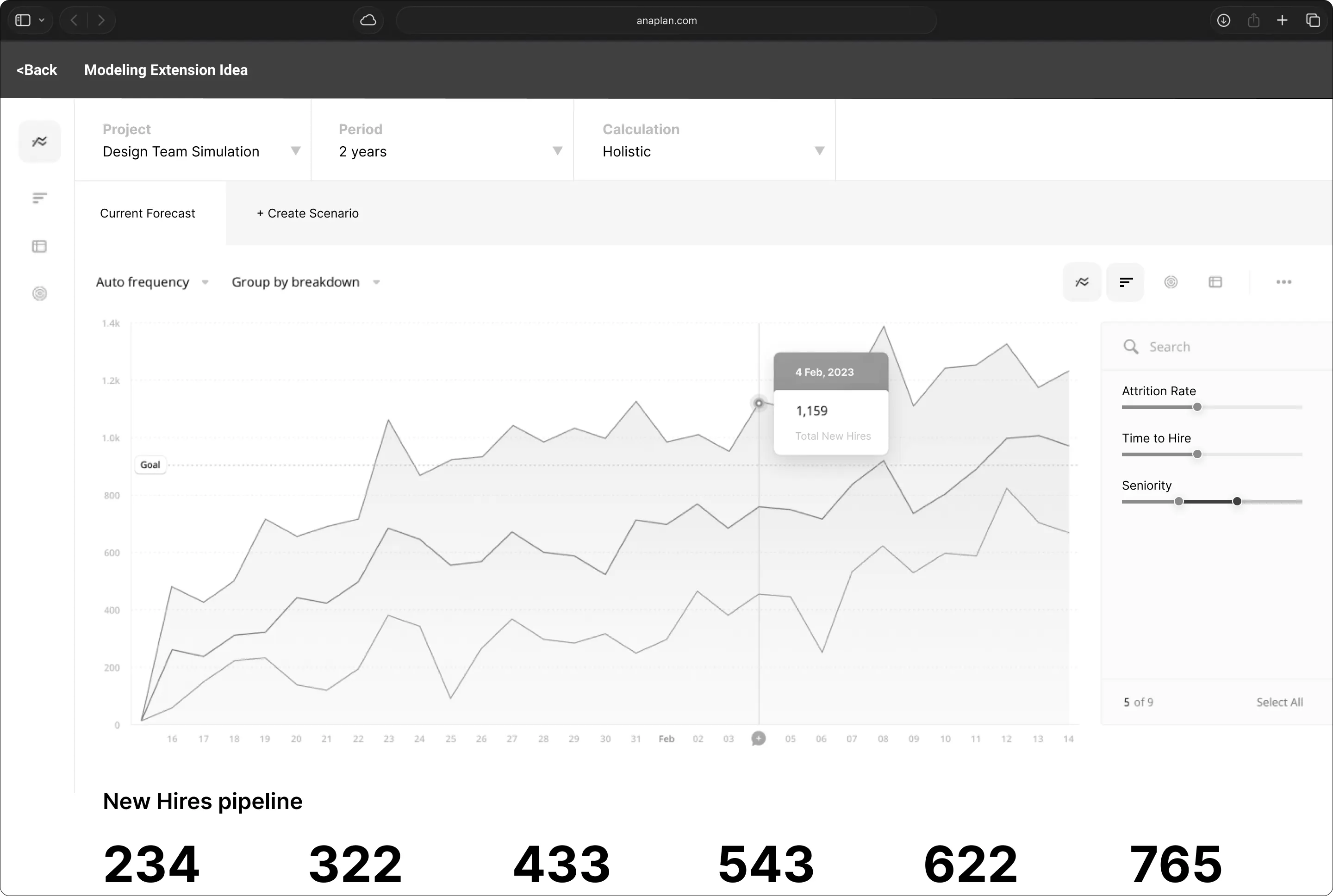
There was no easy way to test changes or see their impact. People hesitated to make updates for fear of breaking something downstream, so iteration stalled.
Fragmented Collaboration
Explaining your logic often meant jumping into Slack or a meeting. The tooling didn’t support shared understanding, and that dragged velocity down across teams.
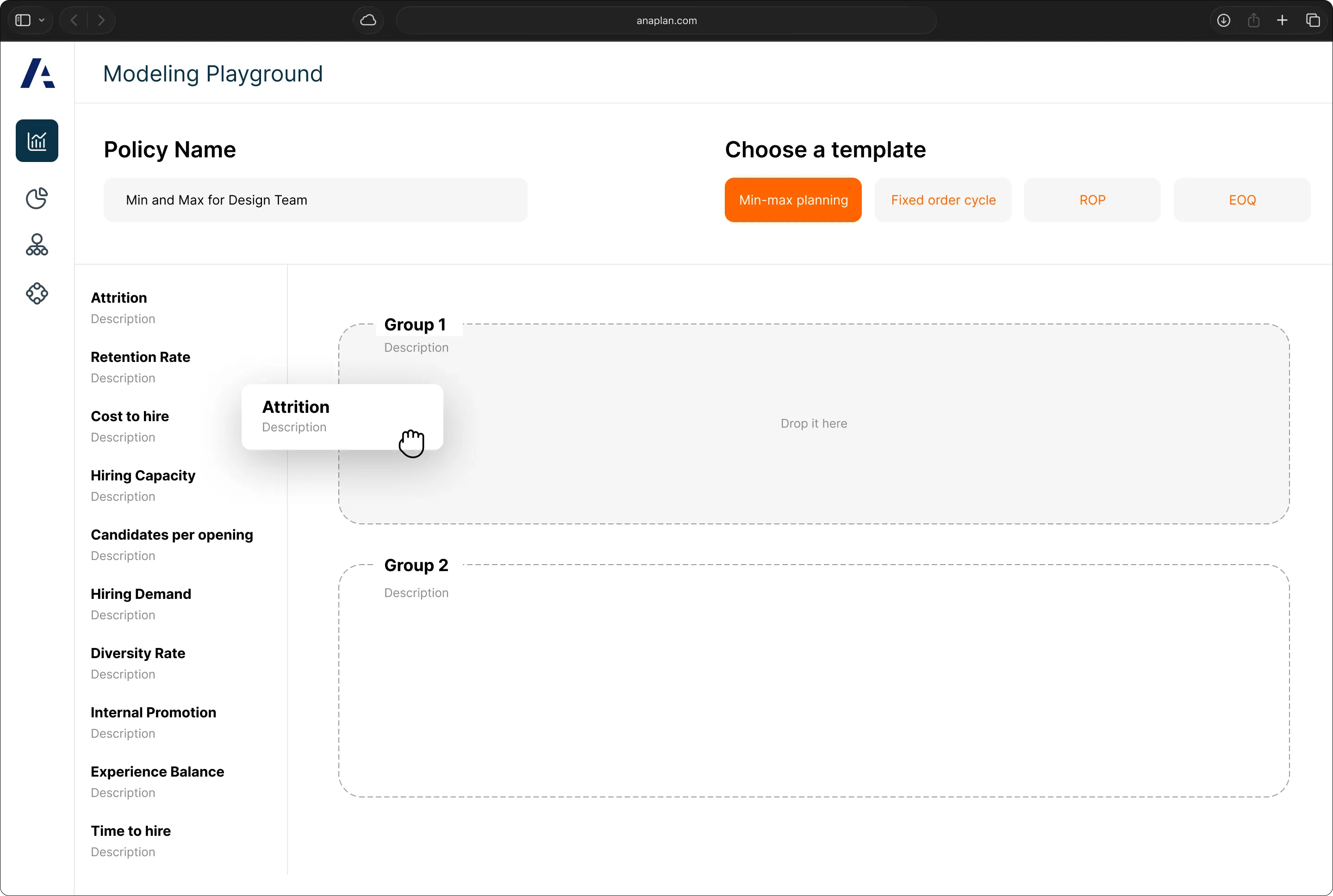
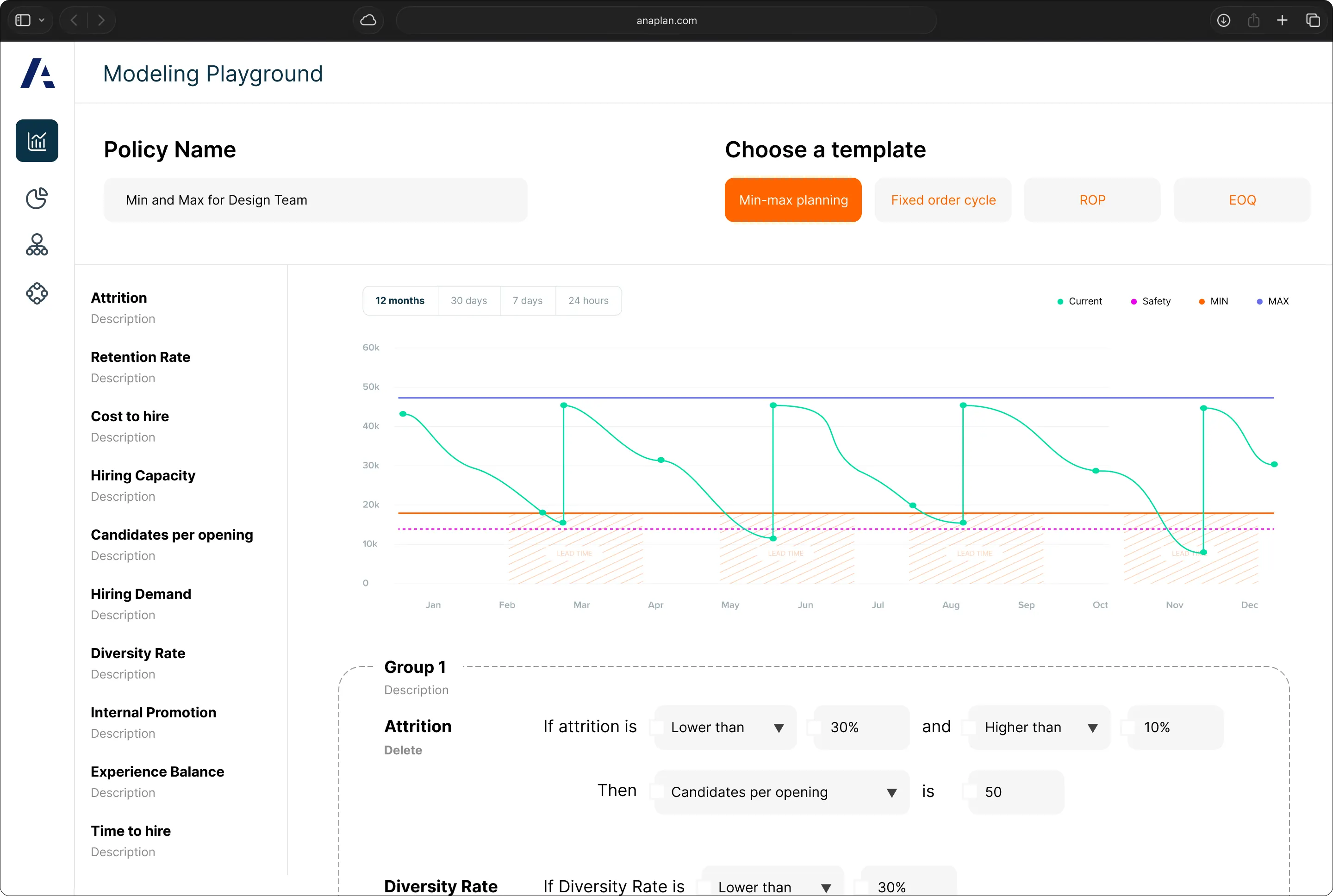
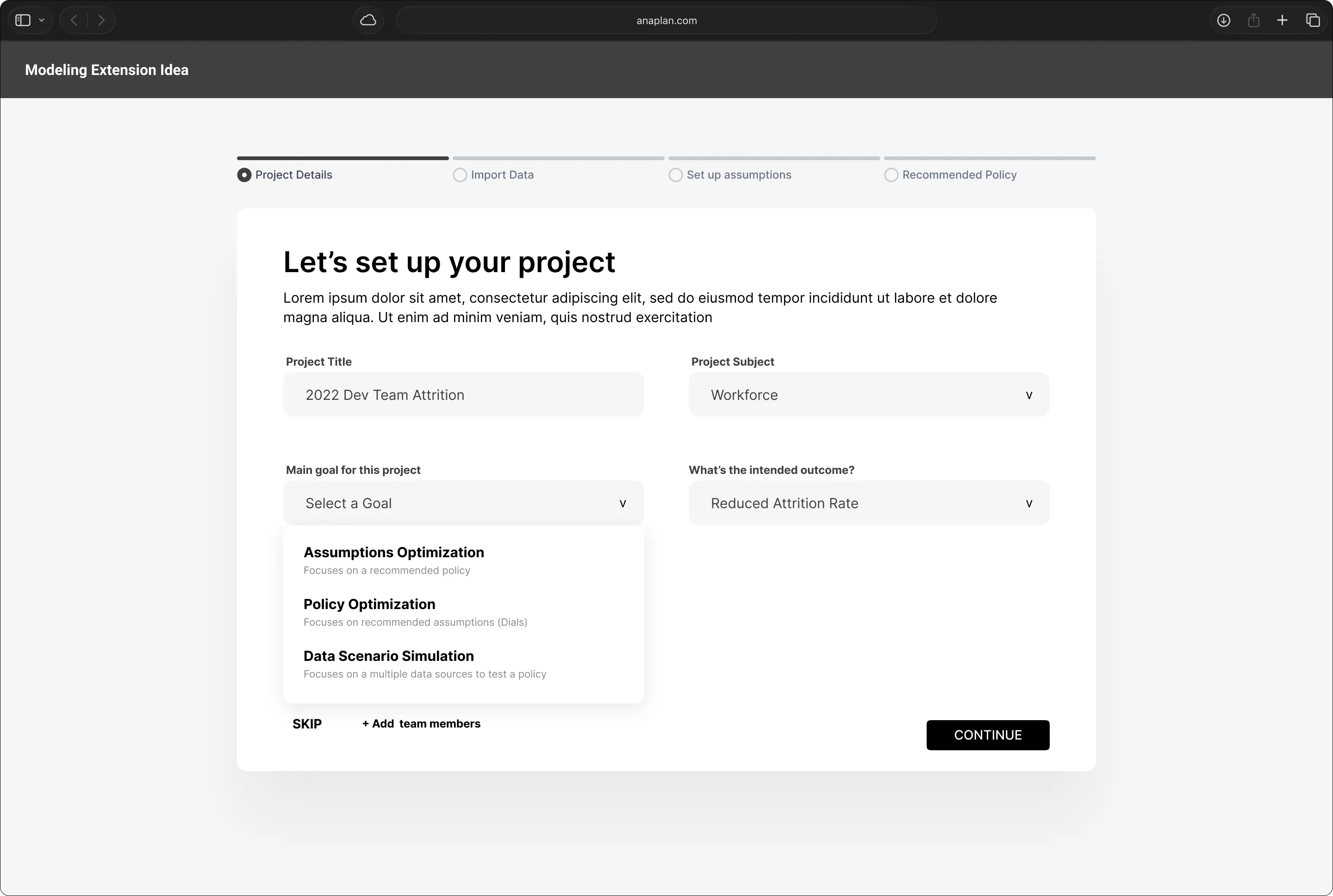
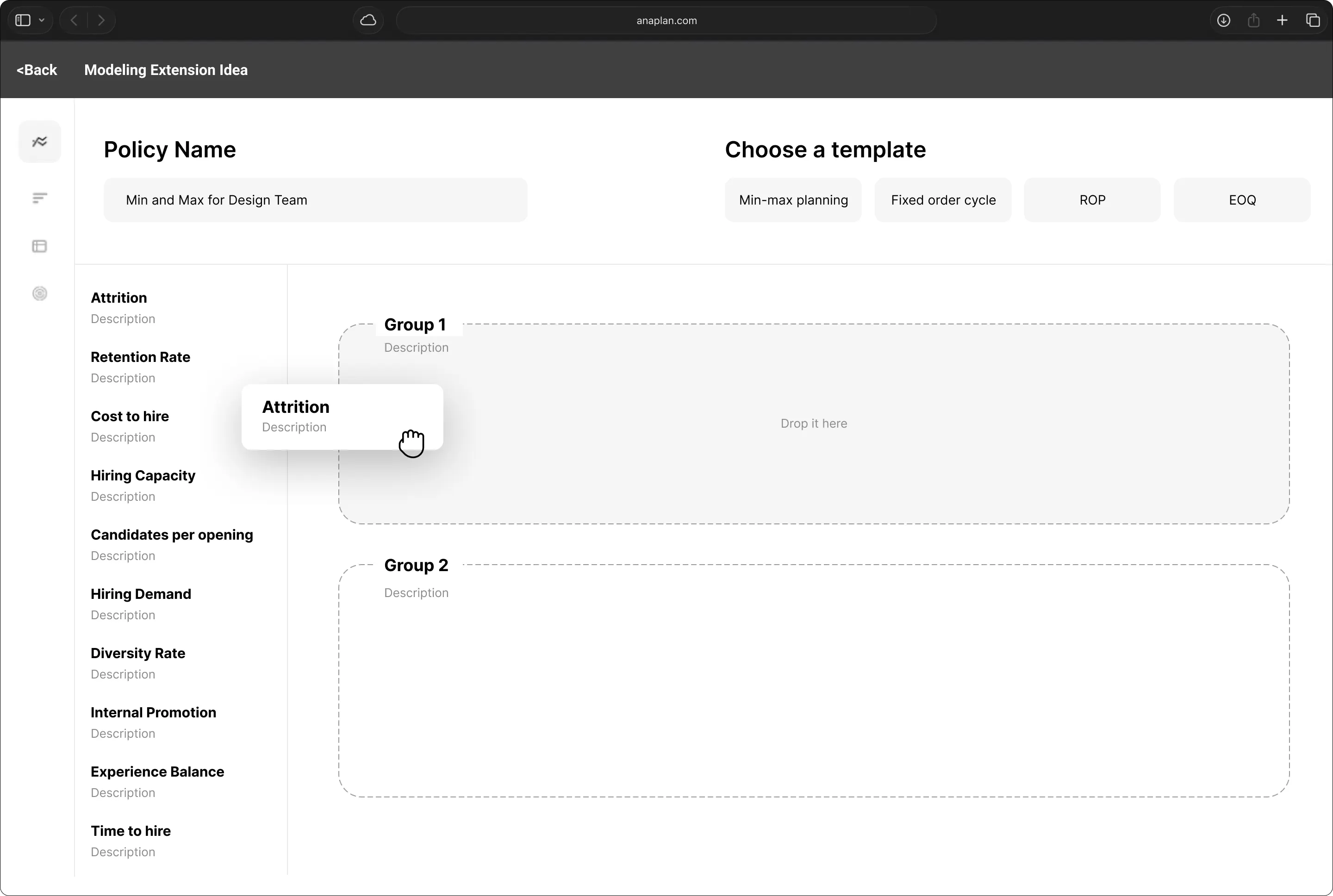
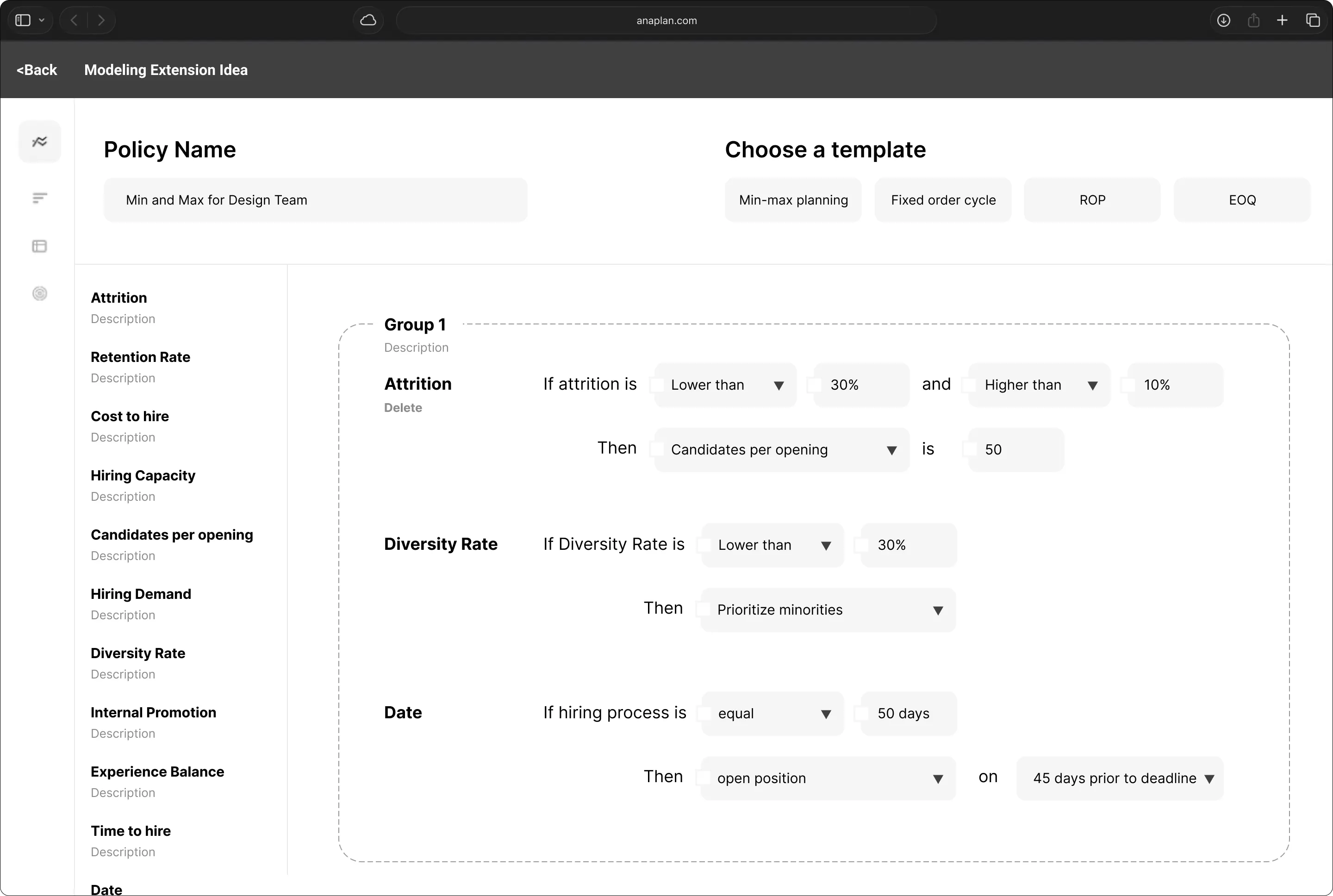
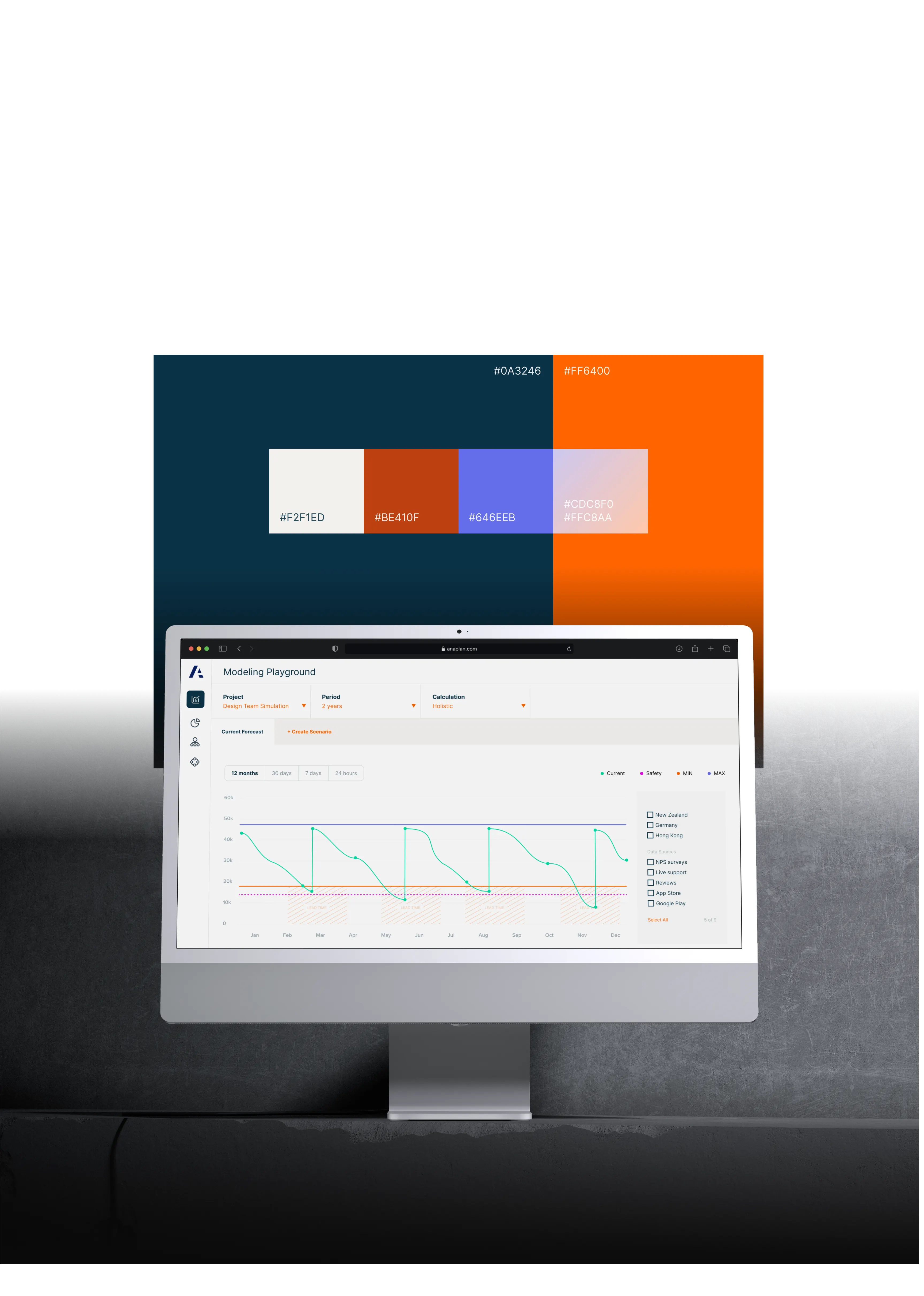
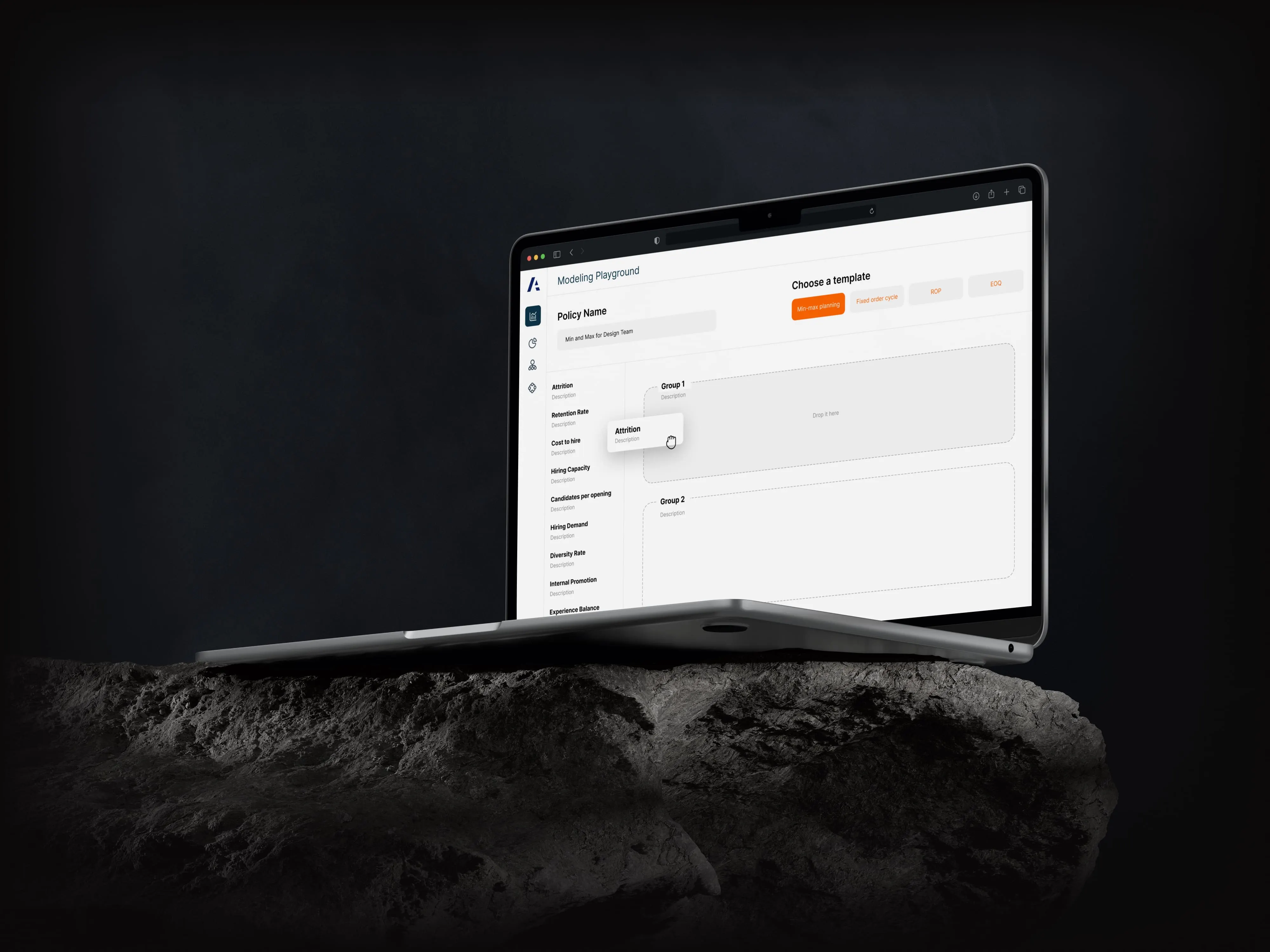
Based on those findings, I helped shape a new model experience, designing interaction patterns, adding contextual overlays, and pushing for real-time validation to reduce fear and friction. The goal was simple: make it easier (and faster) to model with confidence.
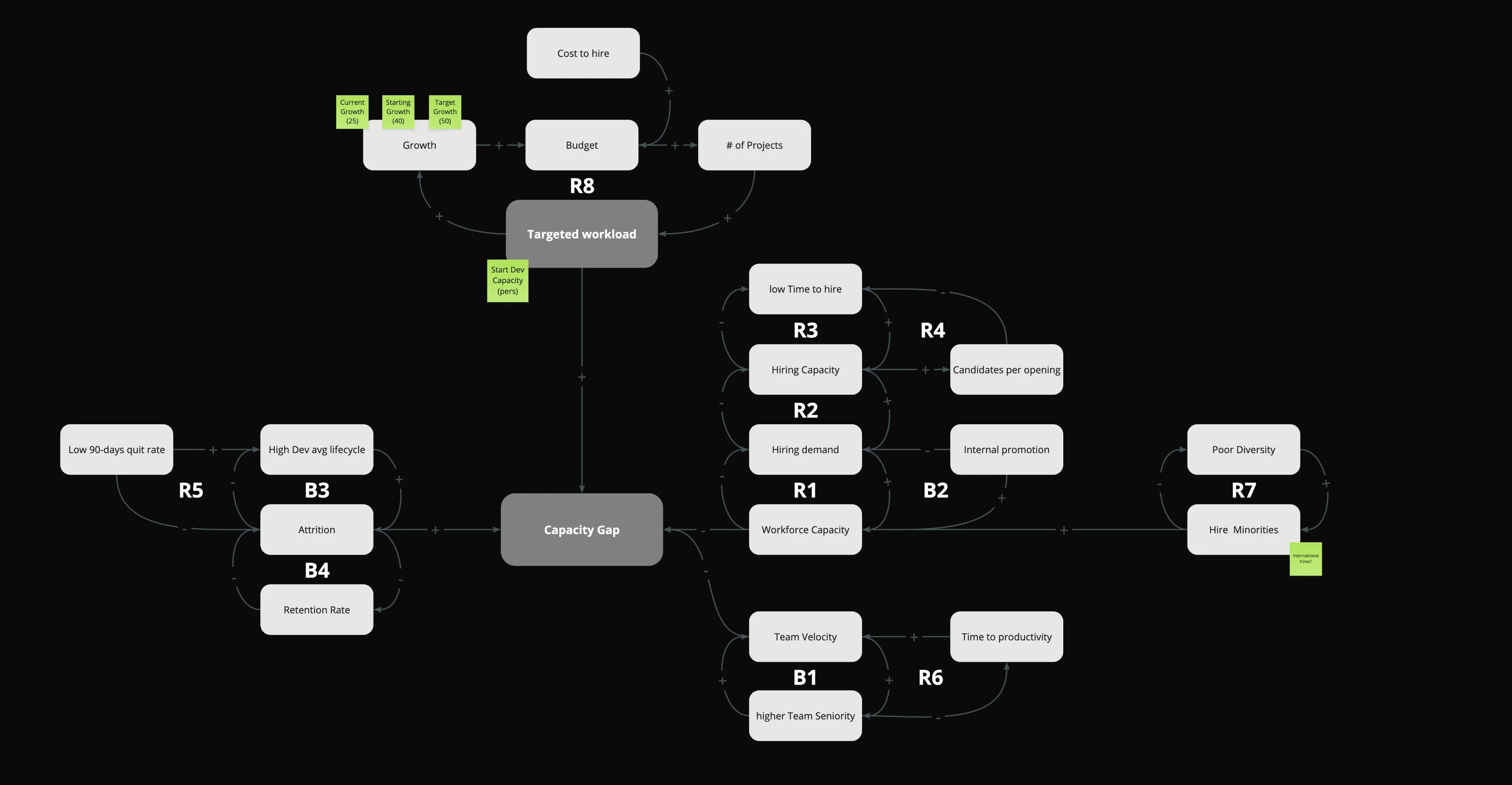
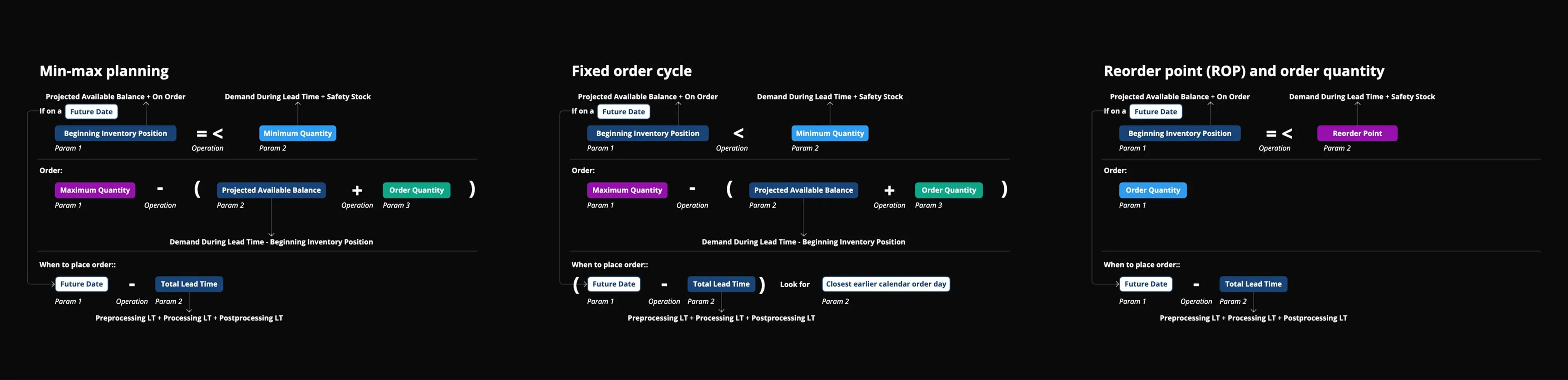
I also led the interaction design for the new formula editor and model map, making it easier for new users to get oriented and for advanced planners to work with more clarity and speed.
What We
Achieved Together
For People.Planners now have a faster, clearer way to build and understand models without getting lost in the weeds. Onboarding became smoother, confidence went up, and users could finally focus on strategy instead of debugging broken logic.
For the Business.The redesigned Model Experience boosted satisfaction and adoption, while cutting down on support tickets tied to formula issues and structure confusion. Teams across departments were able to plan together more efficiently with less friction and more clarity.
For Me.This project pushed me to design for complexity at scale. I learned how to untangle dense logic flows, speak up for users in enterprise spaces, and work hand-in-hand with deeply technical partners. It sharpened my systems thinking, and made me a better collaborator all around.